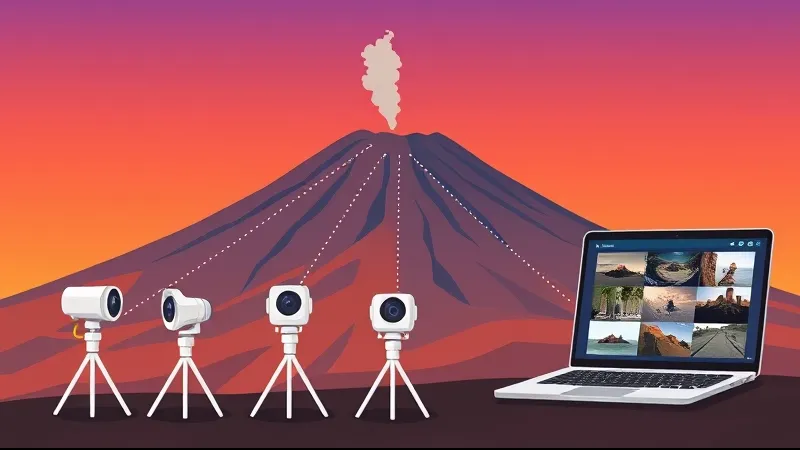
Etna Webcams: How I Read Them Every Morning
My personal routine for watching the mountain before every excursion — the cameras I trust, what the images actually mean, and the mistakes I see visitors make
Where to find the images
Start with the official INGV–Osservatorio Etneo webcam portal. Use its current station map and labels to identify the viewpoint; a camera code or altitude copied into an old article may be out of date. The portal includes a warning about automatic refresh: open the individual view and check the timestamp. Times on this portal are UTC, one hour behind Italian winter time and two behind summer time.
Visible and thermal images
INGV makes some visible and thermal camera images public. A visible image depends on light and visibility. A thermal image is a different measurement, whose colour scale must be read with its legend; it is not an ordinary photograph or a route-clearance signal. Neither image type guarantees a usable view through cloud or ash.
How to read a plume
Check the time, viewpoint and sequence of images before interpreting a change. Colour alone does not establish a plume’s composition or danger. White can include water vapour and volcanic gases; cloud, lighting and exposure can alter the appearance. A dark frame or an offline camera does not, by itself, establish either an eruption or a harmless technical fault.
Bulletins, notices and access
Consult the latest INGV weekly multidisciplinary bulletin and subsequent activity notices, reading their dates and observation periods. VONA notices and their colour codes concern aviation; they do not authorise access to a hiking route. For an excursion, current ordinances, weather and the guide’s assessment also matter.
What the images cannot promise
Webcams show an observed scene, with possible delay or interruption. They do not guarantee advance warning of every volcanic event or establish that a hike is safe. Guides consult public bulletins and ETNAS state-change alerts to adapt excursions; these tools do not remove volcanic risk.
A practical check before a visit
Open the official source, verify the timestamp and compare available viewpoints. Read the latest bulletin and any newer notices, then check the route’s current access conditions. If a feed is unavailable, consult other official information without guessing the cause of the outage. Fixed departure times remain those shown in the booking calendar.
Archives and image reuse
For past events, start with dated INGV reports and their supporting material; availability of a particular video or archive must be checked with its provider. Before reusing an image, check the licence and conditions stated by its owner for that material. Free viewing is not automatic permission to republish.
Official sources
Before You Book: Quick Planning Checklist
- Check updated weather and volcanic activity conditions for your travel dates.
- Check the mountain meeting point and the departure time in the calendar. Travel independently with your rental car; no transfer is provided.
- Compare routes, practical details and availability, then use the booking calendar on your chosen tour page.
- Read local safety guidance before excursions.